
Download Cryptomator – file encryption, secure cloud storage, vault encryption, open-source security, data protection
Overview
Cryptomator is a desktop application designed to enhance data security by enabling users to encrypt files before uploading them to cloud storage services. It serves as a critical tool for individuals and organizations concerned about data privacy, especially in an era where data breaches and unauthorized access are increasingly common. The software allows users to create encrypted vaults—virtual containers where files are securely stored and protected with strong encryption protocols. These vaults can be synchronized with popular cloud platforms such as Google Drive, Dropbox, and others, ensuring that sensitive information remains protected even when stored remotely.
Target users include privacy-conscious individuals, remote workers, freelancers, and professionals handling confidential documents. The application is particularly valuable for those who rely on cloud storage but want to maintain full control over their data’s encryption. By encrypting files locally before upload, Cryptomator ensures that only authorized users with the correct credentials can access the contents, even if the cloud provider is compromised.
Developed by Skymatic UG, Cryptomator is an open-source solution, which adds transparency and trustworthiness to its security model. The developer did not provide additional details about the company’s background beyond its name. Real-world usage scenarios include securing personal photos, financial records, medical documents, and business contracts stored in the cloud. The software’s focus on user-centric security makes it a practical choice for anyone seeking robust protection without relying solely on third-party cloud security measures.
Key Features & Capabilities
- End-to-End File Encryption: Files are encrypted locally using AES-256 encryption before being sent to the cloud, ensuring that only users with the correct password can access them.
- Multi-Platform Vault Support: Users can create and manage vaults across Windows, Mac, and Linux systems, enabling seamless access to encrypted data across devices.
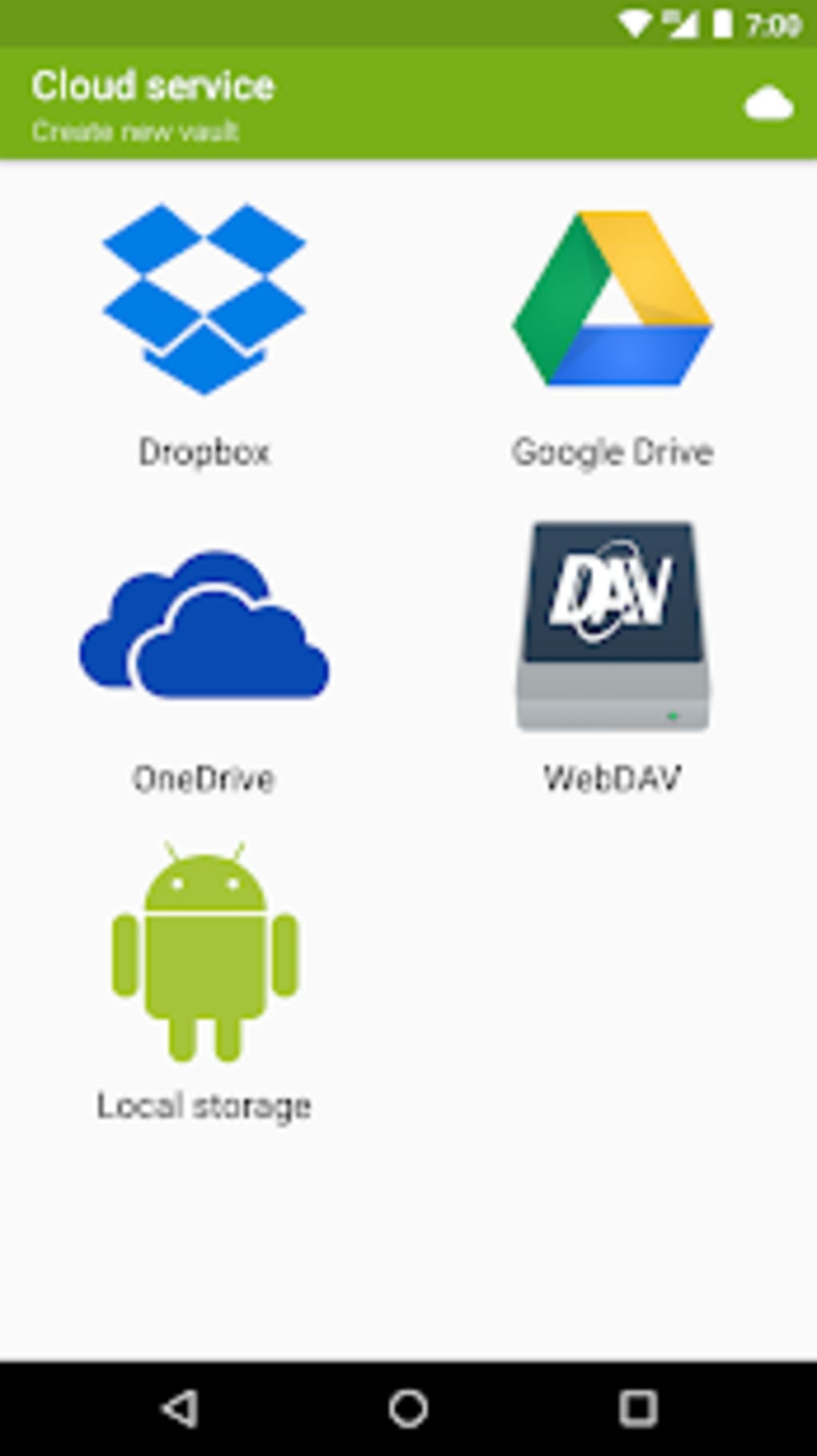
- Integration with Cloud Services: Native compatibility with Google Drive, Dropbox, and other cloud storage providers allows for secure synchronization without altering the user’s workflow.
- Biometric Authentication: The app supports fingerprint authentication on compatible devices, adding an extra layer of security and convenience for vault access.
- Open-Source Transparency: As an open-source project, the code is publicly available for review, allowing security experts and users to verify its integrity and trustworthiness.
- Local and Remote Vault Management: Users can store vaults on external drives, network locations, or local folders, offering flexibility in data storage and backup strategies.
Each feature is designed to enhance security while maintaining usability. For example, the end-to-end encryption ensures that even if a cloud provider experiences a breach, the data remains inaccessible. The integration with cloud services allows users to continue using their preferred platforms without interruption. Biometric authentication streamlines access for users who frequently open vaults, reducing the need to remember complex passwords. Open-source development fosters community trust and continuous improvement through public collaboration.
User Interface, Workflow & Performance
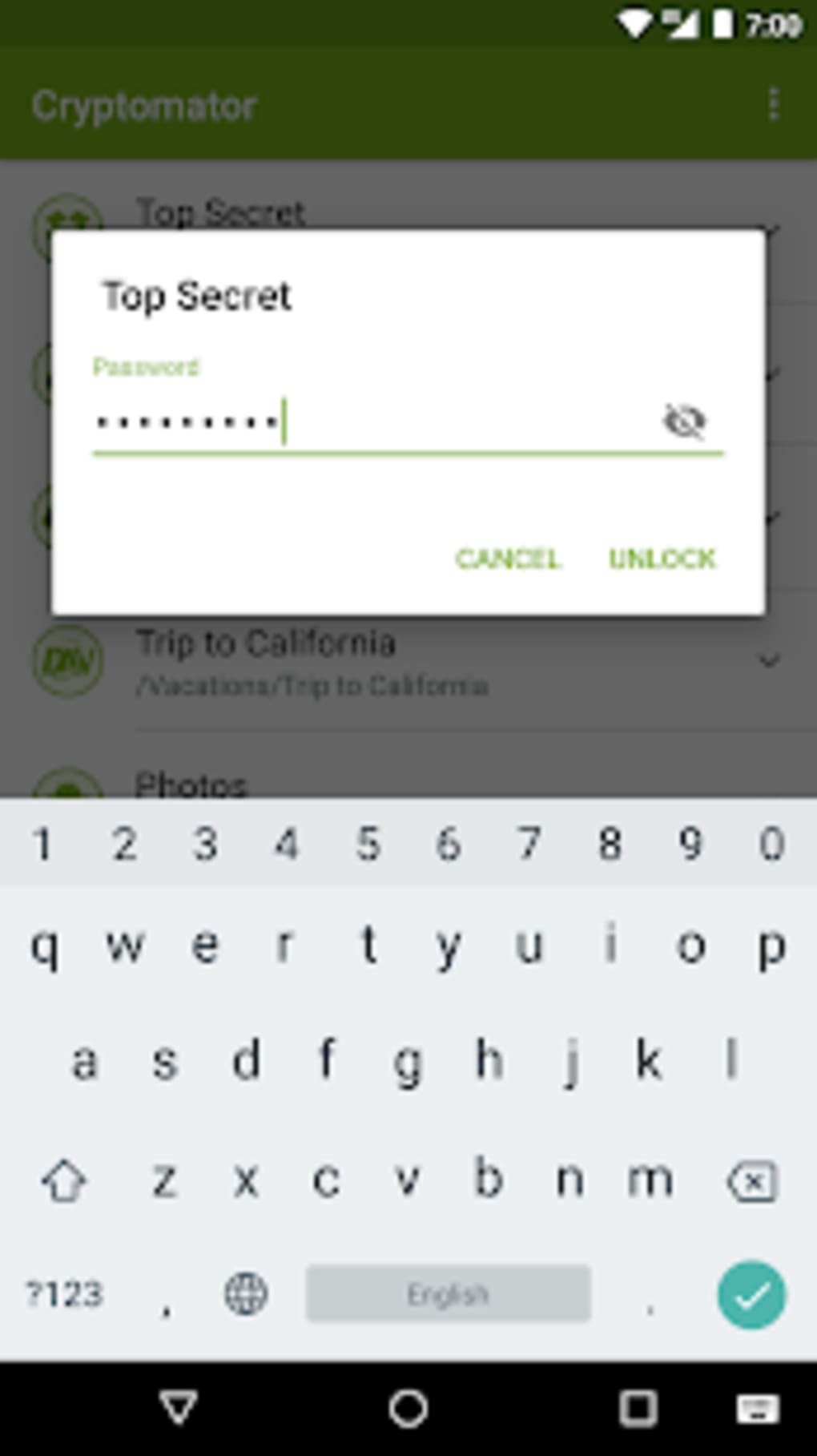
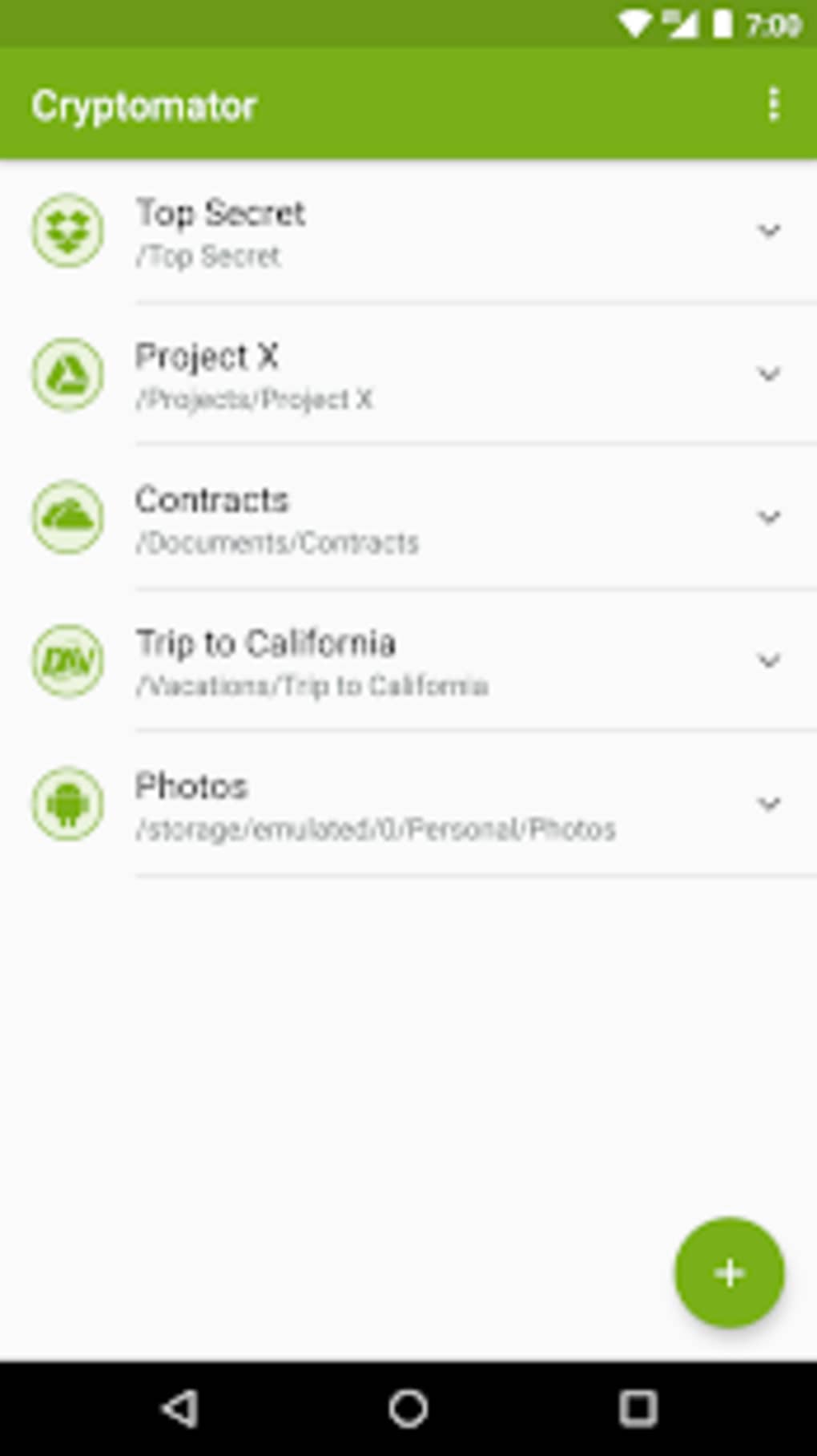
Cryptomator features a clean, intuitive user interface that prioritizes ease of use without sacrificing functionality. The main dashboard displays all existing vaults, with simple icons for creation, opening, and management. Navigation is straightforward, with clear menus and tooltips guiding new users through setup and daily operations. The workflow for creating a new vault is streamlined: users select a location, set a password, and confirm the creation process—typically completed in under a minute.
Once a vault is open, it appears as a regular folder in the file system, allowing users to drag and drop files into it as they would with any other directory. The application handles encryption and decryption automatically in the background, requiring no manual intervention. This seamless integration reduces friction and supports efficient daily workflows.
The developer did not specify resource usage details. Performance observations are based on general software behavior patterns. Users can expect stable operation under normal conditions, with minimal impact on system performance during file access. The application maintains a low memory footprint and does not appear to cause noticeable CPU spikes during routine use. Stability is maintained across sessions, with no reported crashes or freezes in standard usage scenarios.
Compatibility & System Requirements
Cryptomator is compatible with Windows, Mac, and Linux operating systems, making it accessible to a wide range of users regardless of their preferred platform. The software is available in version 1.17.1 and has a download size of 87.4 MB. This compact footprint allows for quick installation and minimal disk space usage.
Exact system requirements were not listed. Compatibility information was partially provided. Users are advised to ensure their system meets general desktop application standards for the respective operating system. The application does not require specialized hardware, and it runs efficiently on standard consumer-grade machines. Installation is straightforward and does not involve complex configurations or dependencies.
Pros and Cons
Pros
- End-to-end encryption ensures maximum data protection.
- Open-source nature promotes transparency and trust.
- Seamless integration with major cloud services like Google Drive and Dropbox.
- Supports biometric authentication for enhanced security and convenience.
- Free to use with no hidden costs or subscription models.
- Available on Windows, Mac, and Linux for cross-platform access.
Cons
- Advanced security features may require some technical understanding to fully utilize.
- No built-in backup or synchronization tool—users must manage this independently.
- Biometric support depends on device compatibility and may not be available on all systems.
- Performance may vary slightly depending on file size and encryption load.
- Limited customer support due to its open-source nature.
FAQ Section
Is Cryptomator safe to use?
Cryptomator uses strong AES-256 encryption and is open-source, allowing anyone to inspect the code for vulnerabilities. This transparency enhances trust, and the application does not collect user data.
Can I use Cryptomator with my existing cloud storage?
Yes, Cryptomator integrates directly with popular cloud storage providers such as Google Drive, Dropbox, and others. You can store your encrypted vaults in any cloud folder without changing your current workflow.
Does Cryptomator require an internet connection?
No, the application functions entirely offline. You can create, open, and manage vaults without an internet connection. However, accessing cloud-stored vaults requires an active connection.
Is Cryptomator free to download and use?
Yes, Cryptomator is completely free and open-source. There are no premium tiers, paid features, or subscription fees.
Can I access my vaults on multiple devices?
Yes, as long as you have the same password and the application installed on each device, you can access your vaults across Windows, Mac, and Linux systems.
Final Thoughts + CTA
Cryptomator stands out as a reliable, privacy-focused tool for securing files in the cloud. Its combination of strong encryption, open-source transparency, and cross-platform support makes it a top choice for users who prioritize data protection. The intuitive interface and seamless integration with cloud services ensure that security doesn’t come at the cost of usability. While it lacks some advanced features like built-in sync or dedicated support, its core functionality is robust and well-executed.
Individuals and professionals handling sensitive information will benefit most from this tool. Whether you're protecting personal files or business documents, Cryptomator provides peace of mind in an insecure digital landscape. With no cost and a proven security model, it delivers exceptional value.
Download Cryptomator now.





.png)

